
USB-C HUBS & CONNECTIVITY
More ports do not automatically mean a better hub
A stable USB-C hub is a system of connected decisions. Display output, PD charging, USB data, Ethernet and card readers all share capability, bandwidth and thermal headroom.
We help buyers evaluate the trade-offs before a port list becomes a product problem.
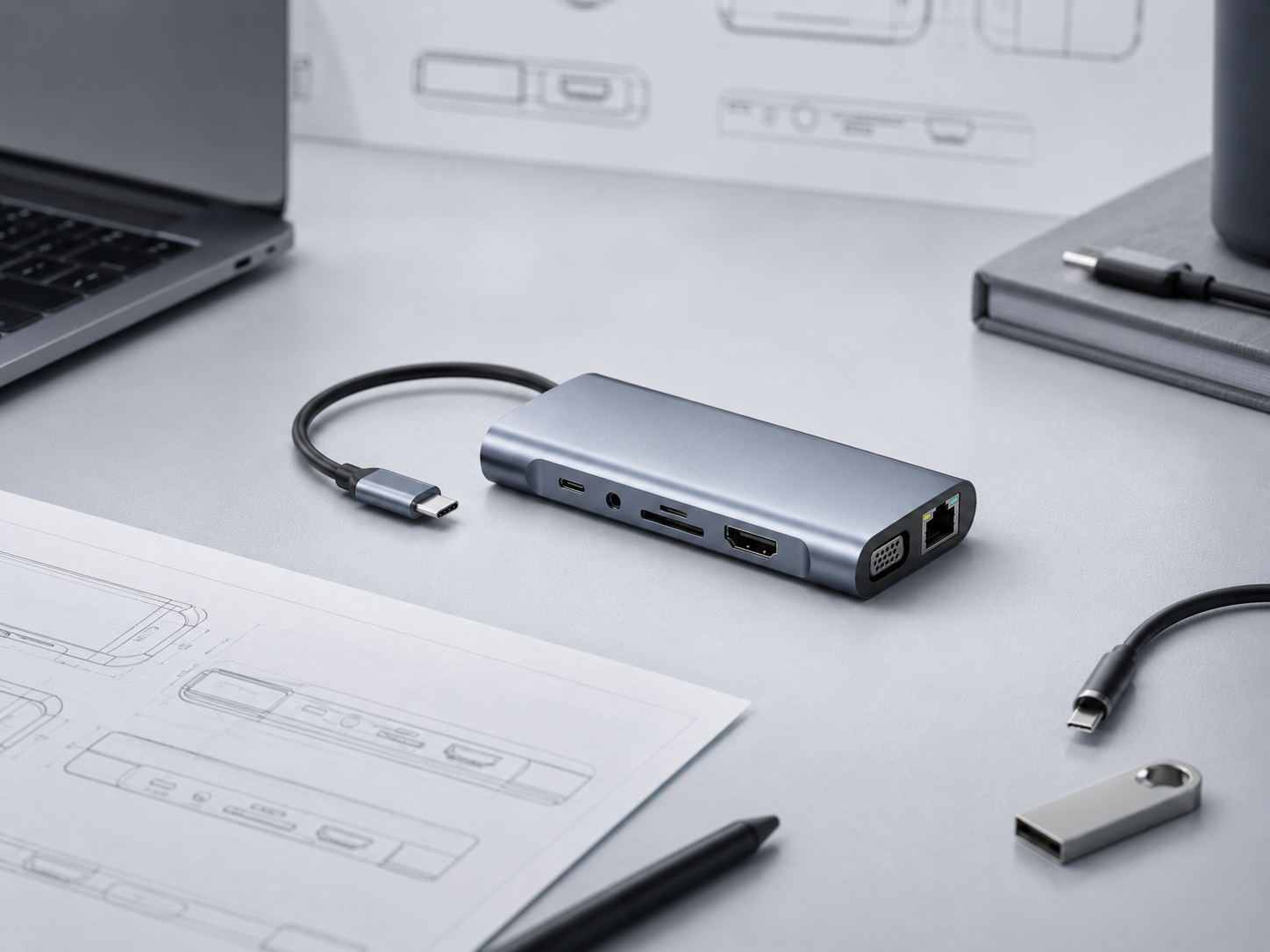
Where hub projects become risky
The product should be reviewed as a connected system, not as a catalogue of independent ports.
Port count versus shared bandwidth
Adding outputs can divide available capacity. A hub needs a clear view of what can operate together and at what level.
Display, PD and data behavior
Display output, charging and USB data may compete for the same architecture. The headline feature set does not prove simultaneous performance.
Host and cable compatibility
Laptop, tablet, phone, operating system and cable specifications can change the result. The intended host set should be named and tested.
Thermal stability and repeatability
Chipset choice, PCB layout, enclosure and sustained load affect heat. A working sample still needs a plan for repeat batches.
What we help validate
Performance
- Display output and target resolutions.
- PD charging behavior and limits.
- USB data performance under intended use.
Connectivity
- Bandwidth sharing across ports.
- Ethernet and card-reader requirements.
- Host, operating-system and cable compatibility.
Engineering feasibility
- Chipset fit and thermal behavior.
- PCB feasibility for customized projects.
- Enclosure, connector and repeat-batch controls.
We help define the combination that matters to the buyer. There is no useful “all ports at full speed” assumption without checking the architecture and intended host.
Practical trade-offs
A better decision is a configuration that matches the market, not the longest feature list.
More ports
Can broaden the use case, but may increase bandwidth sharing, heat and validation scope.
Higher performance
May require a different chipset, PCB approach, cable and enclosure, affecting cost and feasibility.
Custom layout
Can fit a project better, but needs earlier review of PCB space, thermal paths, ports and tooling assumptions.
A practical project-development route
For a customized hub, review the product as a system before committing to a finished port list.
Map the host
Name the devices, operating systems and cables that matter.
Prioritize use
Separate must-have functions from optional ports.
Review architecture
Check chipset, bandwidth, PCB and thermal feasibility.
Test the combination
Validate simultaneous behavior against the intended brief.
Control repeat supply
Hold the approved version and quality checks for future batches.
For broader OEM context, see OEM & Product Development.
Project Insights for connectivity decisions
Explore current project questions and the trade-offs behind them.
-
Why the Cheapest Accessory Is Not Always the Best Seller
A distributor was reviewing two versions of the same accessory. One had the lowest purchase price. The other cost slightly more but felt better…
-
Do You Need to Decide Every Specification Before Sourcing Mobile Accessories?
A buyer planning a mobile-accessory range for several markets wanted consistent quality, a balanced mid-range position, stable supply and private-label potential. He understood the…
-
How to Build a Focused Charger Range Before Expanding SKUs
A focused charger and cable sample set helps distributors compare charging needs, compatibility, construction and market positioning before committing inventory across a wider range.
Planning a hub or connectivity project?
Share the target hosts, port direction, display and charging requirements, market and quantity. We can help identify the right validation scope.