

When a distributor, brand, or enterprise project buyer compares USB-C docking stations, port count is an easy starting point. But the dock will be used as a system, not as a list of connectors. A model can appear to meet the specification and still create deployment problems if display output, USB-C Power Delivery, data, Ethernet, and the target notebooks are not validated together.
A Docking Station Must Work as a Complete System
In one real project, a B2B buyer was evaluating USB-C docking products for business computer users. The visible requirement included several familiar functions: external displays, PD charging, USB data ports, Ethernet, and compatibility with the intended host computers.
On a specification sheet, these functions can be checked one by one. In daily use, however, employees may connect a monitor, network cable, storage device, keyboard, and charger at the same time. The buyer therefore needed confidence in the combined working environment, not only confirmation that each port existed.
The product direction went through multiple rounds of compatibility and functional validation before the program moved forward. The reusable lesson was simple: the target hosts and the required functions had to be reviewed together.
Why the Port List Can Hide Deployment Risk
A port list describes physical interfaces. It does not fully describe how the docking station will behave with a particular notebook, monitor, charger, cable, network, and peripheral combination.
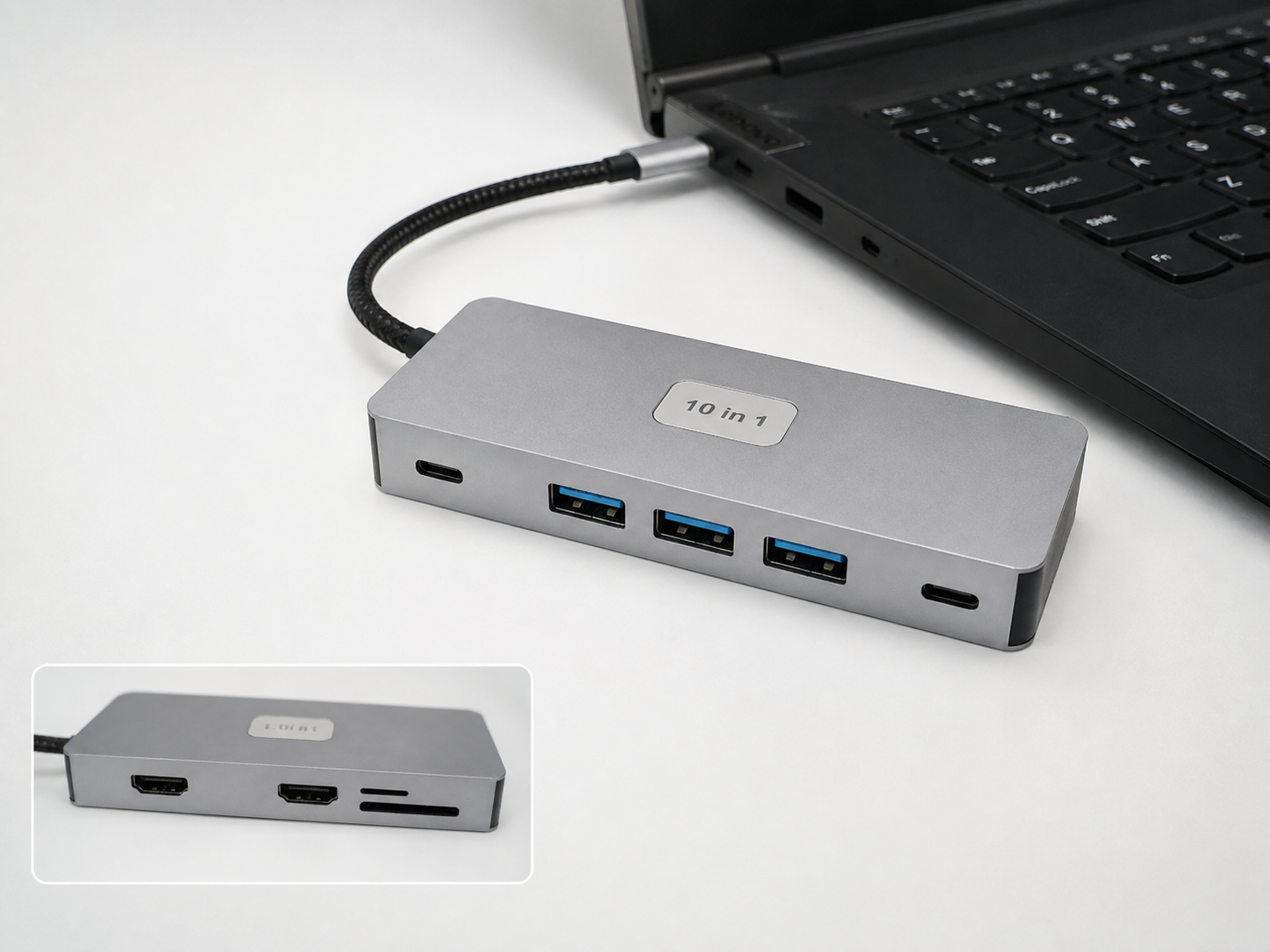
For a project buyer, this gap can create commercial and after-sales consequences. A dock that appears correct during product selection may later cause support requests, returns, replacement costs, rollout delays, or inconsistent user experiences. The risk becomes more serious when one docking model is intended for a mixed fleet of notebooks.
This is why a useful USB-C hub and docking review should start with the working scenario. Port count and price still matter, but only after the buyer defines what the dock must do and which devices it must support.
What Buyers Should Validate Before a Wider Order
A practical validation plan begins with an application matrix rather than a generic product checklist.
- Target hosts: identify the notebook models or host-device families that matter to the project.
- Display requirements: define the required monitor connections and the expected single- or multi-display setup.
- Charging: confirm the required USB-C PD charging behavior with the intended host, power adapter, and cable.
- USB data: check the peripherals users will connect and the data functions that are essential.
- Ethernet: include the wired-network function in the actual workstation scenario.
- Combined use: test the functions that must operate simultaneously, because separate checks do not establish combined behavior.
Buyers should also define what counts as an acceptable result before comparing products. If dual displays are essential but one display is optional, that changes the product direction. If charging is required only to maintain battery level rather than provide the notebook’s maximum input, that also changes the decision. Clear priorities make validation more useful and prevent an impressive specification from masking a poor fit.
For broader planning, a supplier’s quality and validation approach should explain how requirements are reviewed without turning one sample result into a universal claim.
Keep the Evidence Within Its Proper Scope
Compatibility validation is valuable, but its limits matter. A result applies to the reviewed product direction, target host devices, connected equipment, and test conditions. It does not prove compatibility with every notebook, operating system, monitor, peripheral, or future batch.
That does not make validation less useful. It makes the scope more precise. Buyers can use the agreed host matrix and required functions as acceptance criteria, then decide whether further checks are needed before scaling the program.
Start With the Use Case, Then Select the Dock
The strongest docking-station procurement brief does not begin with “How many ports?” It begins with “Which computers, displays, peripherals, charging conditions, and network functions must work together?”
Shenzhen iTop Electronics can help distributors, brands, and project buyers review those requirements and the appropriate product-development direction before a wider order. The next useful step is to share the target host devices and required working scenario so the review can focus on the functions that matter to the deployment.